← All classes

Zoom Etiquette
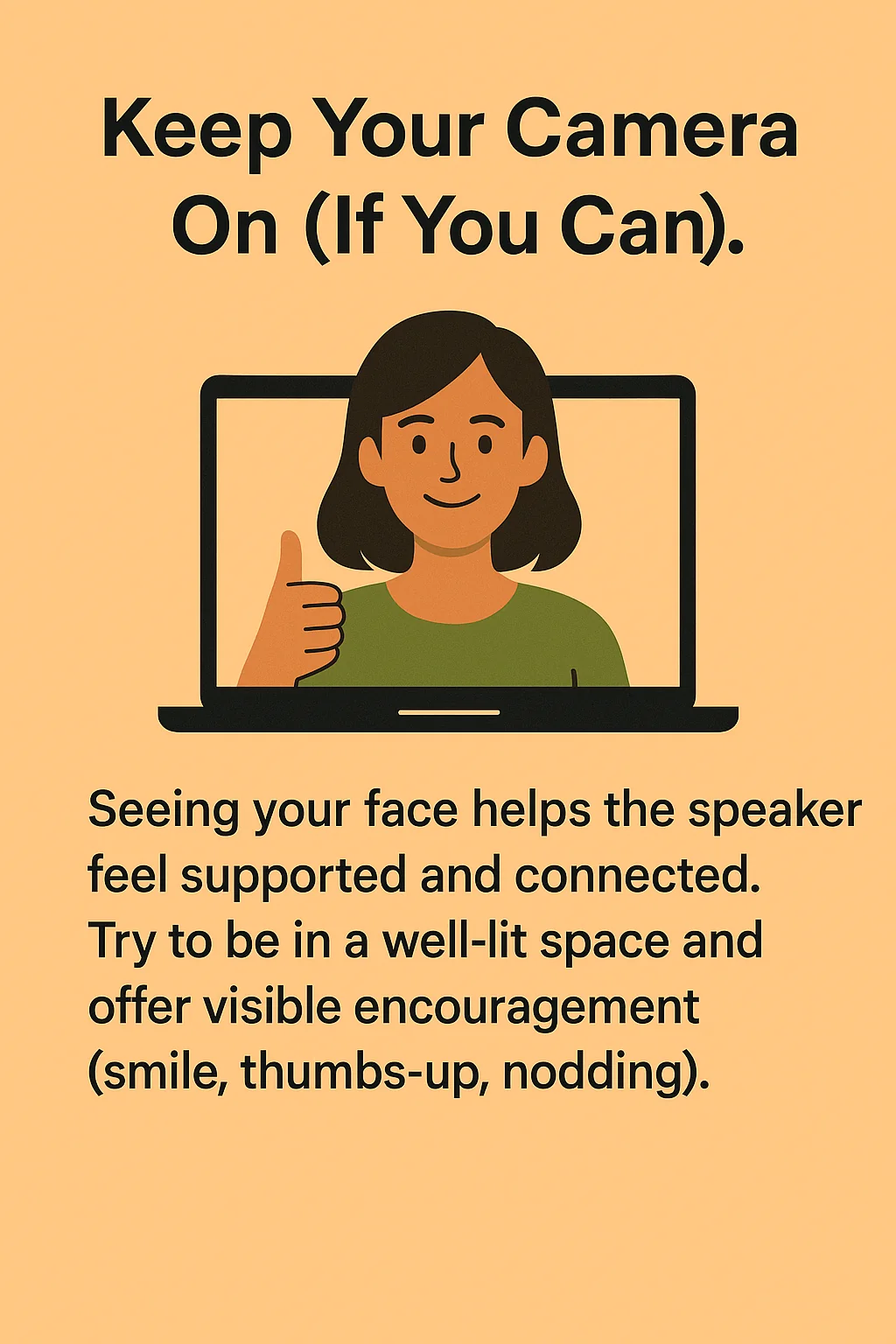
Keep Your Camera On (If You Can). Seeing your face helps the speaker feel supported and connected. Try to be in a well-lit space and offer visible encouragement (smile, thumbs-up, nodding).
Question? Type QUESTION First. Use all caps to begin your message with the word QUESTION so it stands out in the chat.
Check Your Display Name. Update your Zoom name to reflect who you are. No links please — it’s distracting!
Camera Off — Moving or Eating. Do what you need to do — just turn the camera off to reduce distraction.
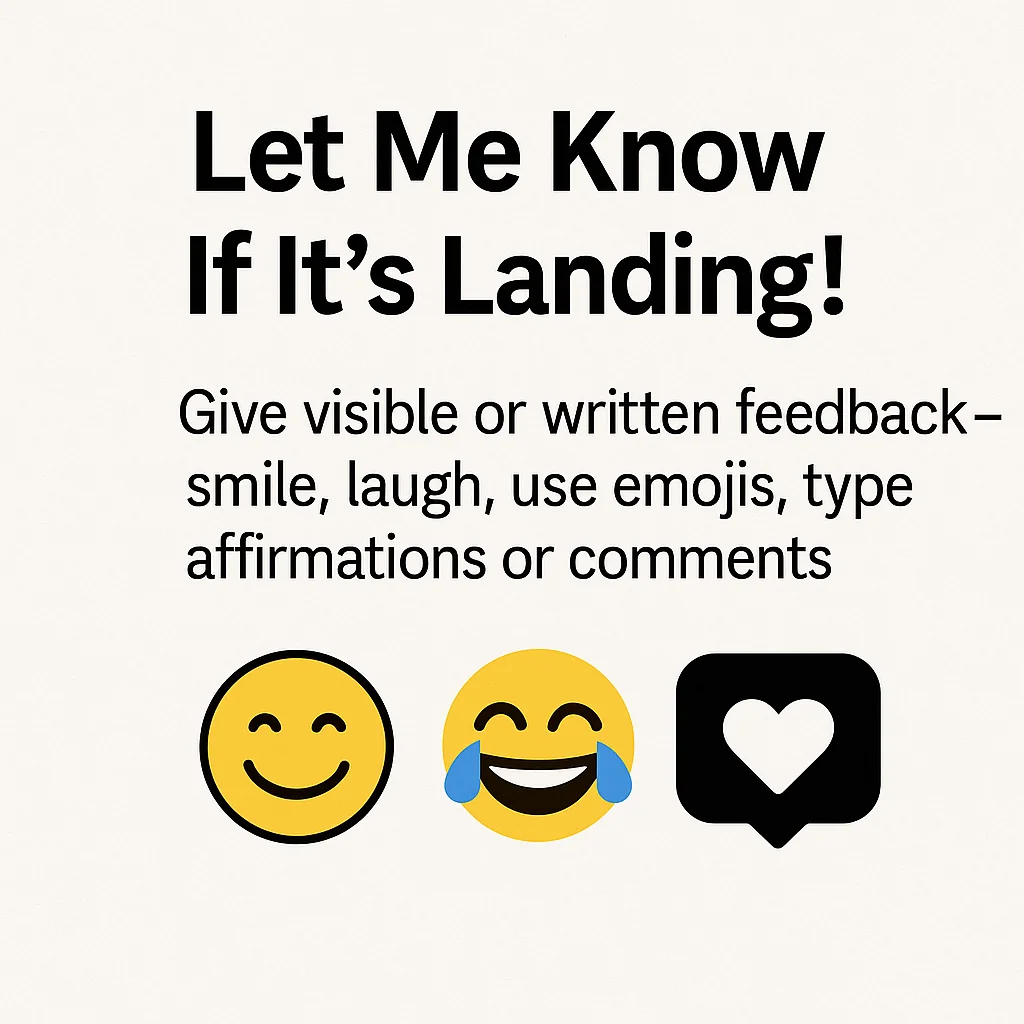
Let Me Know If It’s Landing! Give visible or written feedback — smile, laugh, use emojis, type affirmations or comments.
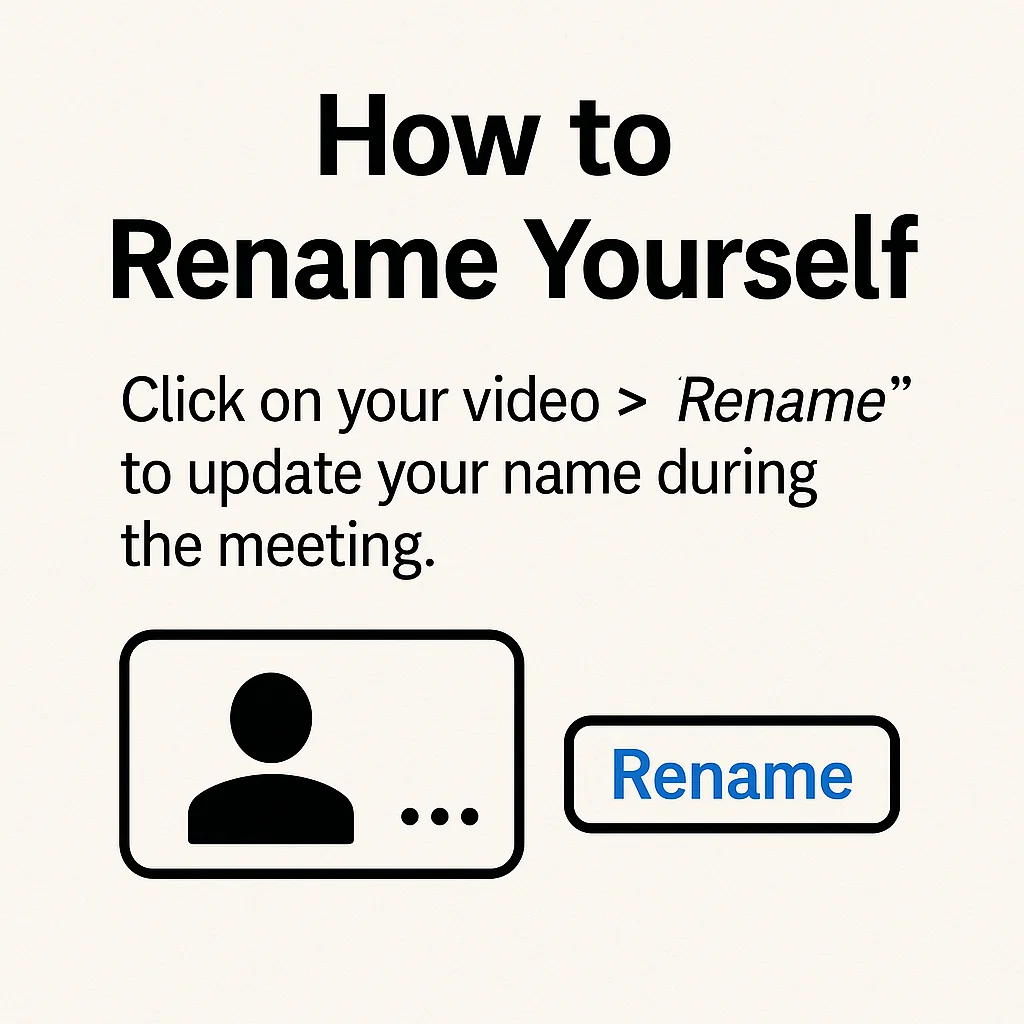
How to Rename Yourself. Click on your video > “Rename” to update your name during the meeting.
Leaving Early? Leave Quietly. Don’t announce your departure in the chat — just slip out respectfully. It keeps the energy intact for everyone else. If it’s a small group where full attendance is expected, privately message the facilitator before leaving.
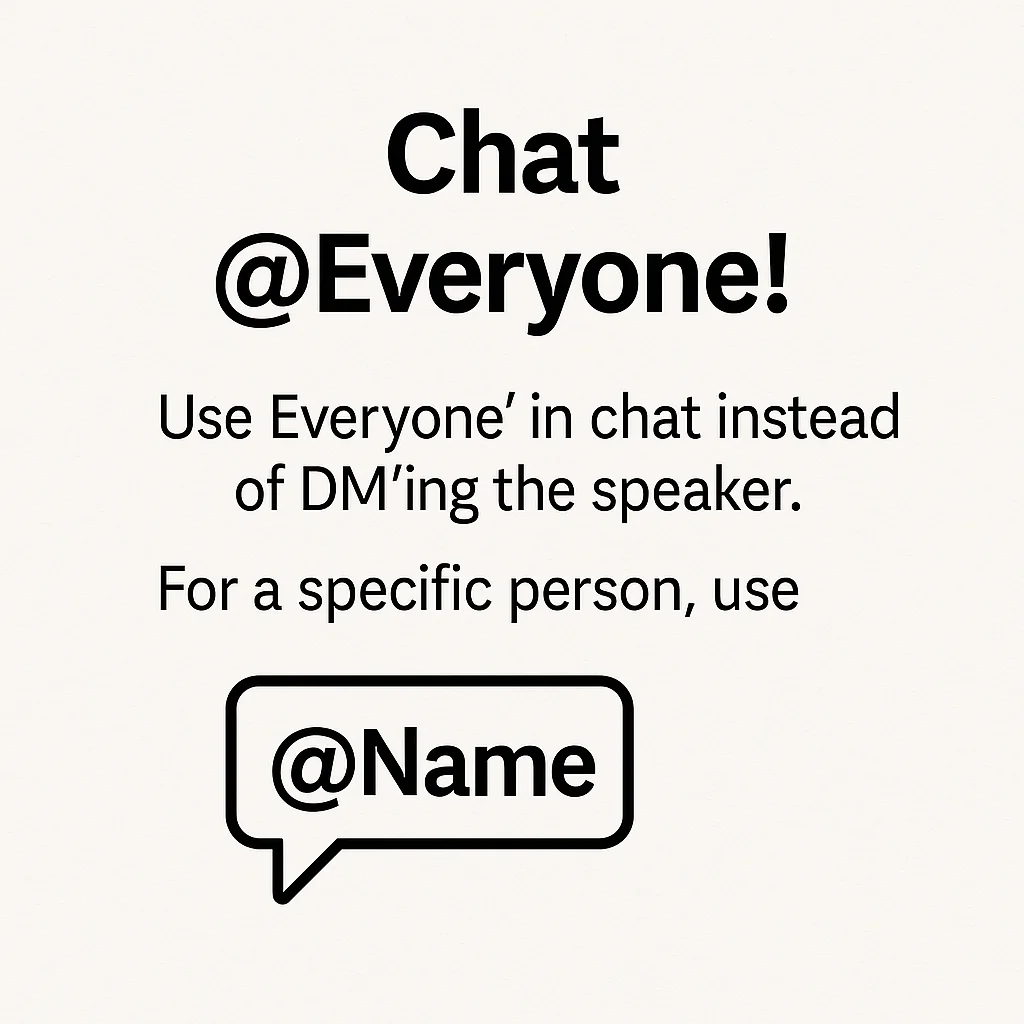
Chat @Everyone! Use ‘Everyone’ in chat instead of DM’ing the speaker. For a specific person, use @Name.

Thanks George Kao for these tips!

Zoom etiquette article here

More tips:

Distracted by Zoom Chat?

2 minute video for solutions (thanks George!)

Keep your Zoom up-to-date!

Here’s how

Want IFS insights & workshop updates?

Join the free Radical IFS Newsletter

Next page — free option is on the right